MOVEMENT / BROWSER PROJECT
Surfd
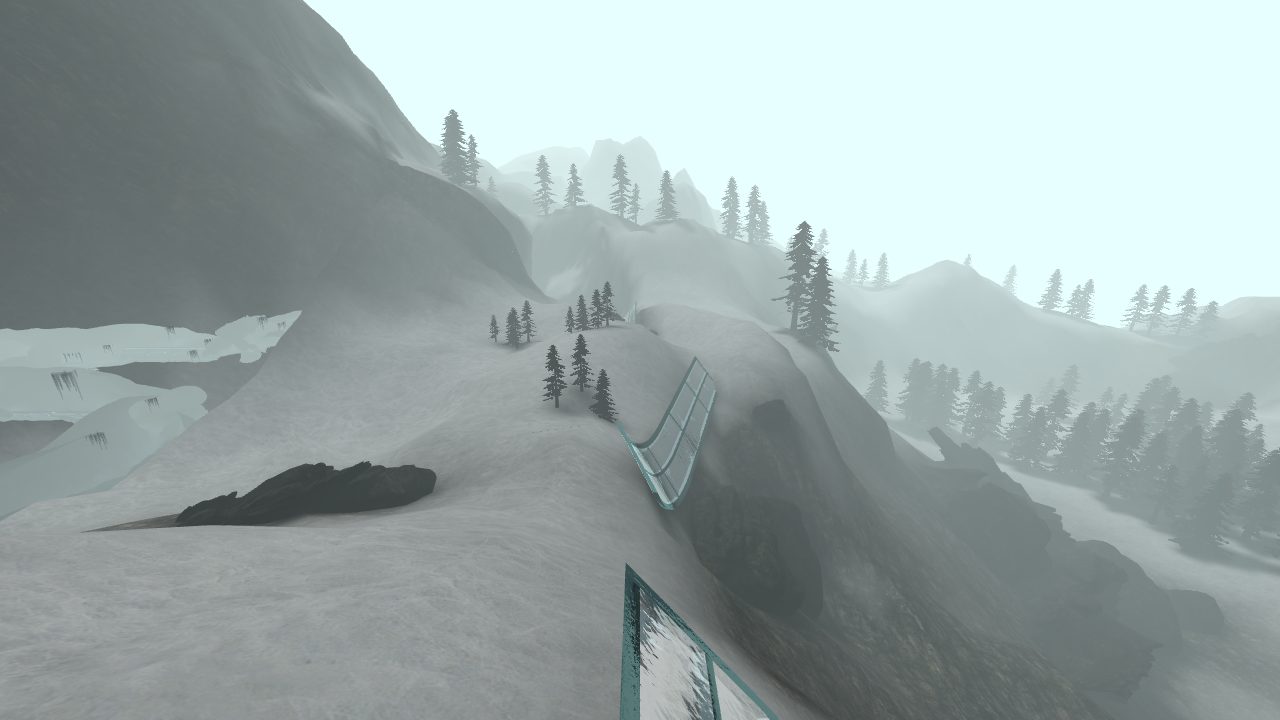
Glass ramps, snowy ravines, and a run against the clock. A desktop browser surf project.
surfd.net
Before you open it
- Desktop keyboard and mouse
- A browser that permits mouse capture
- Mobile gameplay not verified
Getting started
- Open the original Surfd project and wait for the map to load.
- Choose Solo or an available server, then start the course.
- Allow mouse capture when prompted. Follow the project's on-screen control guide.
What we checked
The solo Boreas scene loaded in desktop Chrome. Mouse capture failed in our automated check; full controls and a completed run were not verified.
Desktop Chrome · October 10, 2026
If the scene loads but looking around does not work, leave full-screen mode, check mouse-capture permissions, and try the project's instructions. A loaded scene is not proof of fully working gameplay.
Current instructions on the original project (opens in a new tab)Traced to the Radiant source list.